
 Contact Us
 My Account
 Basket


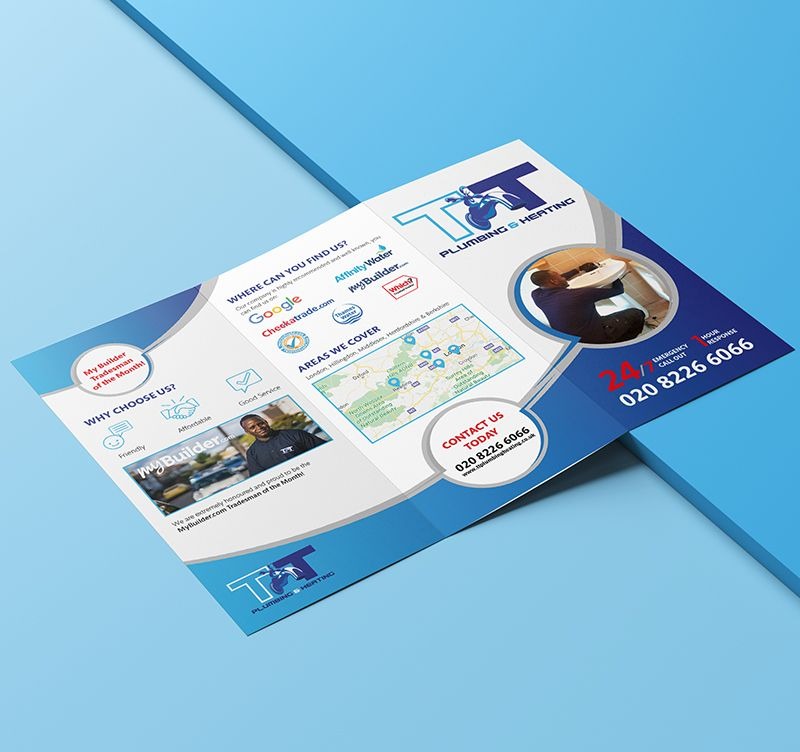
In the digital and print world, image quality matters. Whether you’re designing for poster printing or creating online visuals, understanding resolution and compression is key to maintaining clarity and detail.
But what does resolution mean, and how does compression affect image quality?
Let’s quickly dive into this concept of resolution and break it all down for better clarity, which will help you choose the best resolution for pictures and understand when and how to compress images without losing crucial details.
What Does Resolution Mean?
Image resolution refers to the amount of detail an image holds. It is measured in pixels per inch (PPI) or dots per inch (DPI) and determines how sharp and clear an image appears. The higher the resolution, the better the image quality, making it ideal for printing and digital use.
For instance, when designing poster printing, a high-resolution image ensures clarity, preventing pixelation when enlarged.
What Is a High Resolution Image?
A high-resolution image typically has a pixel density of 300 DPI or more. This means there are enough pixels packed into each inch to maintain sharpness and detail. Usually Images below 150 DPI can appear blurry in print, while 300 DPI is ideal for professional printing.
When creating digital posters, a resolution of 150 DPI is often sufficient, as these images are viewed on screens rather than printed.
What Is the Best Resolution for Pictures?
The best resolution depends on the purpose of the image:
| Resolution Type | PPI/DPI | Best Use Case |
| High Resolution | 300+ PPI | Printing (flyers, posters, brochures) |
| Medium Resolution | 150-299 PPI | Large-format prints (banners, billboards) |
| Low Resolution | 72-149 PPI | Digital screens (web images, social media) |
| Print Quality | 300 DPI | Best for brochures, posters, flyers |
| Digital Posters | 72-150 DPI | Optimised for online use |
| Large-Format Print | 150-200 DPI | Suitable for billboards, banners |
If you’re wondering what does high resolution image mean, it generally refers to images with 300 PPI or higher, which ensures sharp details and high-quality prints.
How Resolution Affects Print Size
When printing images, resolution directly impacts how large an image can be printed without losing quality. A higher resolution allows for larger prints without pixelation, while a lower resolution results in blurry or jagged edges when enlarged.
Recommended Print Sizes Based on Resolution
| Resolution (DPI) | Image Size (Pixels) | Max Print Size (Inches) | Best Use Case |
| 300 DPI (High Res) | 2400 x 3600 | 8″ x 12″ | Professional prints, posters |
| 200 DPI (Medium Res) | 1600 x 2400 | 8″ x 12″ | Flyers, brochures |
| 150 DPI (Standard) | 1200 x 1800 | 8″ x 12″ | Digital posters, online images |
| 72 DPI (Low Res) | 600 x 900 | 8″ x 12″ (pixelated) | Web images, thumbnails |
What is Compression?
Compression is the process of reducing the file size of an image while maintaining as much quality as possible. It is essential for web optimisation, file storage, and faster loading times.
Compression minimises data redundancy in an image, making the file smaller without significantly affecting its appearance. There are two main types of compression:
| Compression Type | How It Works | File Formats | Best For |
| Lossless Compression | Reduces file size without losing image quality | PNG, TIFF | High-quality prints, professional designs |
| Lossy Compression | Discards some image data to significantly reduce file size | JPEG, GIF | Web images, fast-loading content |
What is Data Compression?
Data compression refers to reducing the size of any digital file, not just images. This helps save storage space and speeds up file transfers without affecting the overall content.
For example, when sending high-resolution images for poster printing, using lossless compression ensures quality is preserved while reducing file size.
Final Thoughts
Understanding image resolution and compression is crucial for achieving the best quality in digital and printed materials. Whether working on digital posters or print designs, choosing the right resolution and applying proper compression techniques will ensure visually appealing and high-quality results.
By selecting the best resolution for pictures and optimising compression, you can balance image clarity and efficiency for any design project.


